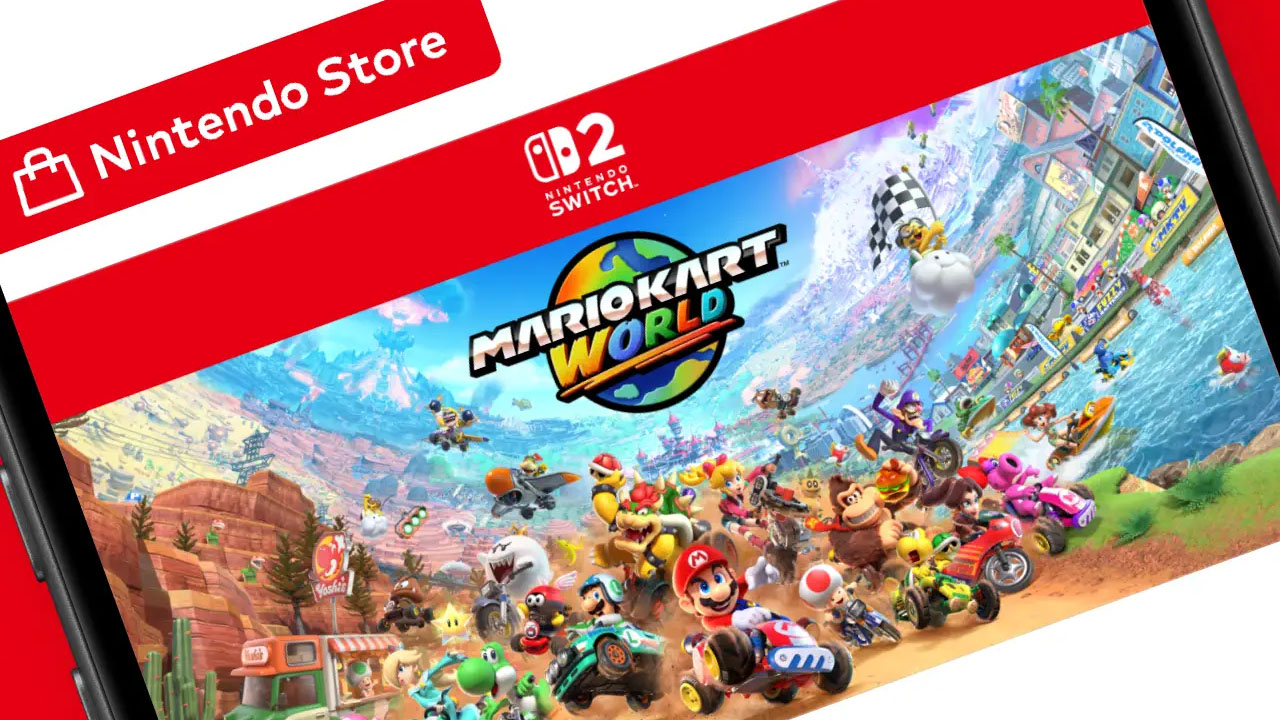
Nintendo Store App: Your Gateway to the Mushroom Kingdom on iOS and Android
The world of Nintendo gaming has just become more accessible than ever before. Gaming News is thrilled to announce the official launch of the Nintendo Store app, now available for download on both iOS devices through the App Store and Android devices via the Google Play Store. This groundbreaking release signifies Nintendo’s commitment to bringing its beloved universe directly into the palms of its dedicated fanbase, offering a streamlined and immersive experience for purchasing games, accessories, and keeping up-to-date with all things Nintendo.
Unveiling the Nintendo Store App: A New Era of Digital Access
For years, Nintendo enthusiasts have relied on web browsers and console interfaces to navigate the vast landscape of Nintendo’s digital offerings. While these methods have served us well, the advent of the dedicated Nintendo Store app marks a significant evolution. This mobile application is meticulously designed to replicate the comprehensive experience of the official Nintendo online store, but with the added convenience and immediacy that only a dedicated mobile platform can provide. Whether you’re a seasoned veteran of the gaming world or a newcomer eager to explore iconic franchises, the app promises to be your indispensable companion.
We understand the anticipation surrounding such a release, and we’ve delved deep into what makes this app a must-have for any Nintendo fan. The development team has clearly prioritized user experience, integrating intuitive navigation and a visually appealing interface that reflects the vibrant and imaginative spirit of Nintendo itself. From the moment you launch the app, you’ll be greeted with a clean and organized layout, making it effortless to discover new titles, revisit classic favorites, and manage your digital library.
Key Features of the Nintendo Store App: What You Need to Know
The Nintendo Store app is not just a portal for purchasing; it’s a feature-rich platform designed to enhance your entire Nintendo ecosystem. We’ve meticulously examined its capabilities to bring you a comprehensive overview:
Seamless Game and Content Discovery
One of the most striking aspects of the app is its robust game and content discovery engine. Nintendo is renowned for its diverse portfolio, spanning generations of consoles and an endless array of genres. The app organizes this vast library in a way that’s both accessible and engaging.
- Browse by Platform: Easily filter titles by your preferred Nintendo console, whether it’s the cutting-edge Nintendo Switch, the nostalgic Nintendo 3DS, or even past generations that hold a special place in your heart. This granular control ensures you’re seeing content relevant to your gaming setup.
- Genre Exploration: Dive into specific genres that tickle your fancy. From action-adventure epics like The Legend of Zelda and Metroid to charming platformers such as Super Mario and Kirby, or strategic role-playing games like Fire Emblem and Pokémon, the app categorizes everything with precision.
- New Releases and Pre-orders: Stay at the forefront of the gaming world. The app prominently features newly released games and allows you to pre-order upcoming titles, ensuring you don’t miss out on the hottest drops. Imagine being able to secure your copy of the next major Nintendo release directly from your phone days or weeks in advance.
- Sales and Discounts: Nintendo frequently offers fantastic sales and discounts on digital titles. The app provides a dedicated section for these promotions, allowing you to snag your favorite games at a reduced price. This is an invaluable feature for budget-conscious gamers looking to expand their digital libraries.
- Wishlist Functionality: Not ready to buy just yet? Add titles to your wishlist for future consideration. This feature helps you keep track of games you’re interested in, and the app can even notify you if items on your wishlist go on sale.
Effortless Purchasing and Account Integration
The core functionality of any store app is its ability to facilitate purchases smoothly and securely. The Nintendo Store app excels in this regard, integrating seamlessly with your existing Nintendo account.
- Nintendo Account Sync: The app is intrinsically linked to your Nintendo Account. This means your existing digital purchases, save data (where applicable and cloud-synced), and user profile are all accessible through the app, providing a unified experience across all your Nintendo platforms.
- Secure Payment Options: Nintendo has implemented robust secure payment options within the app. Users can add their preferred payment methods, including credit cards, debit cards, and potentially other regional payment services, ensuring a safe and convenient checkout process.
- Direct Downloads to Your Console: Once a purchase is made through the app, you have the option for direct downloads to your associated Nintendo console. This intelligent feature eliminates the need to switch between devices or manually initiate downloads, saving you valuable time and effort. Your game will be ready to play faster than ever.
- Gift Cards and Codes: Easily redeem Nintendo eShop Gift Cards and download codes directly within the app. This simplifies the process of using gift cards received as presents or purchased elsewhere, allowing you to instantly add funds to your Nintendo eShop balance and acquire desired content.
Personalized Recommendations and Notifications
To make your gaming journey even more tailored, the Nintendo Store app leverages intelligent algorithms to provide personalized recommendations and timely notifications.
- Tailored Suggestions: Based on your purchase history, wishlist items, and browsing behavior, the app will suggest games and content you’re likely to enjoy. This proactive approach helps you discover hidden gems and explore new genres you might not have considered otherwise.
- Exclusive Alerts: Never miss out on important announcements. The app can send you exclusive alerts regarding new game releases, special promotions, system updates, and even upcoming events relevant to the Nintendo universe. Being in the know has never been easier.
- My Nintendo Rewards Integration: For those actively participating in the My Nintendo rewards program, the app provides a convenient way to track your points, view available rewards, and potentially even redeem them for in-game bonuses or discounts. This integration encourages engagement with Nintendo’s loyalty initiatives.
Access to Accessories and Merchandise
Beyond digital games, the Nintendo Store app also serves as a hub for physical goods, including accessories and merchandise.
- Official Nintendo Accessories: Browse and purchase official Nintendo accessories for your consoles, such as Joy-Con controllers, Pro Controllers, charging docks, cases, and more. Ensuring you have the right gear is crucial for an optimal gaming experience.
- Collectible Merchandise: Express your fandom with official Nintendo merchandise. The app may feature a selection of clothing, plush toys, collectibles, and other items emblazoned with your favorite characters and franchises, allowing you to bring a piece of the Nintendo world into your everyday life.
The Technical Prowess: iOS and Android Compatibility
The availability of the Nintendo Store app on both iOS and Android platforms signifies a significant strategic move by Nintendo. This dual-platform approach ensures that the broadest possible audience can access its digital storefront, regardless of their preferred mobile operating system.
iOS App Store Excellence
For iPhone and iPad users, the Nintendo Store app is now a prominent fixture on the App Store. This means that users can expect a native iOS experience, adhering to Apple’s design guidelines and leveraging the latest iOS features. The download process is as straightforward as any other app, accessible through a quick search and a single tap. We’ve observed that the app is optimized for various iOS device screen sizes, ensuring a crisp and responsive display whether you’re on a compact iPhone or a larger iPad. The integration with Apple’s payment systems, like Apple Pay, may further streamline the purchasing process for iOS users.
Google Play Store Accessibility for Android
Similarly, Android users can now find the Nintendo Store app readily available on the Google Play Store. This ensures widespread accessibility across a vast range of Android smartphones and tablets. Nintendo’s development team has worked to ensure that the app performs optimally on the diverse hardware landscape of Android devices. Users can anticipate a smooth installation process and a user interface that is both functional and visually consistent with the iOS version, while still feeling natural within the Android ecosystem.
Why This App is a Game-Changer for Nintendo Fans
The introduction of the Nintendo Store app is more than just a new piece of software; it’s a pivotal moment in how we interact with Nintendo’s digital ecosystem. Here’s why it’s such a significant development:
- Unprecedented Convenience: The ability to browse, purchase, and manage your Nintendo library directly from your smartphone or tablet, anytime and anywhere, is a monumental leap in convenience. No more being tethered to a console or a desktop computer.
- Enhanced Engagement: By bringing the store directly to users’ mobile devices, Nintendo fosters greater engagement with its brand and products. Push notifications about sales, new releases, and special offers can keep fans continuously connected and excited.
- Streamlined Digital Purchases: The friction associated with digital game purchases has been significantly reduced. The intuitive interface and direct download capabilities mean less waiting and more playing.
- Unified Nintendo Experience: The seamless integration with the Nintendo Account creates a more cohesive and unified experience across all Nintendo platforms and services. Your digital identity as a Nintendo gamer is now more central and accessible than ever.
- Future-Proofing the Brand: In an increasingly mobile-first world, Nintendo’s investment in a dedicated app demonstrates a forward-thinking approach to reaching and retaining its audience, ensuring its relevance for years to come.
Getting Started with the Nintendo Store App
The process of getting started with the Nintendo Store app is designed to be as simple and intuitive as possible. For new users and existing fans alike, here’s what you can expect:
Download the App:
- For iOS: Open the App Store on your iPhone or iPad. Search for “Nintendo Store”. Tap the “Get” or cloud icon to download and install the app.
- For Android: Open the Google Play Store on your Android device. Search for “Nintendo Store”. Tap the “Install” button to download and install the app.
Launch and Sign In:
- Once the installation is complete, locate the Nintendo Store app icon on your device’s home screen and tap to launch it.
- You will be prompted to sign in using your Nintendo Account. If you don’t have a Nintendo Account, the app will guide you through the quick and easy creation process. This account is crucial for syncing your purchases and preferences.
Explore and Discover:
- Familiarize yourself with the app’s layout. You’ll find categories for browsing games by platform, genre, and new releases.
- Utilize the search bar to find specific titles, characters, or franchises.
- Check out the “Sales” section regularly to find great deals on digital software.
Add to Wishlist or Purchase:
- When you find a game or content you’re interested in, you can add it to your wishlist for later consideration or proceed directly to purchase.
- To purchase, tap the “Buy Now” or similar button. You will be prompted to confirm your payment method.
Manage Downloads:
- After a successful purchase, you will have the option to send the download to your associated Nintendo console (e.g., Nintendo Switch). You can manage these downloads directly from your console’s download list.
The Future of Nintendo on Mobile
The launch of the Nintendo Store app is a strong indicator of Nintendo’s evolving digital strategy. It bridges the gap between the dedicated gaming hardware and the ubiquitous mobile devices that so many of us carry. This move not only simplifies access to Nintendo’s vast library of games but also suggests a future where Nintendo continues to integrate its brand more deeply into the daily lives of its fans. We anticipate further enhancements and features being added to the app over time, solidifying its position as an essential tool for any Nintendo enthusiast.
Gaming News will continue to monitor the Nintendo Store app for any updates, new features, or exclusive content. We encourage all our readers to download the app today and experience the convenience and excitement of the Nintendo universe right at their fingertips. The Mushroom Kingdom, Hyrule, and countless other fantastical worlds are now just a tap away. This is an exciting time to be a Nintendo fan, and the Nintendo Store app is at the heart of this digital revolution. Embrace the convenience, explore the endless possibilities, and dive deeper into the games you love with this exceptional new application.