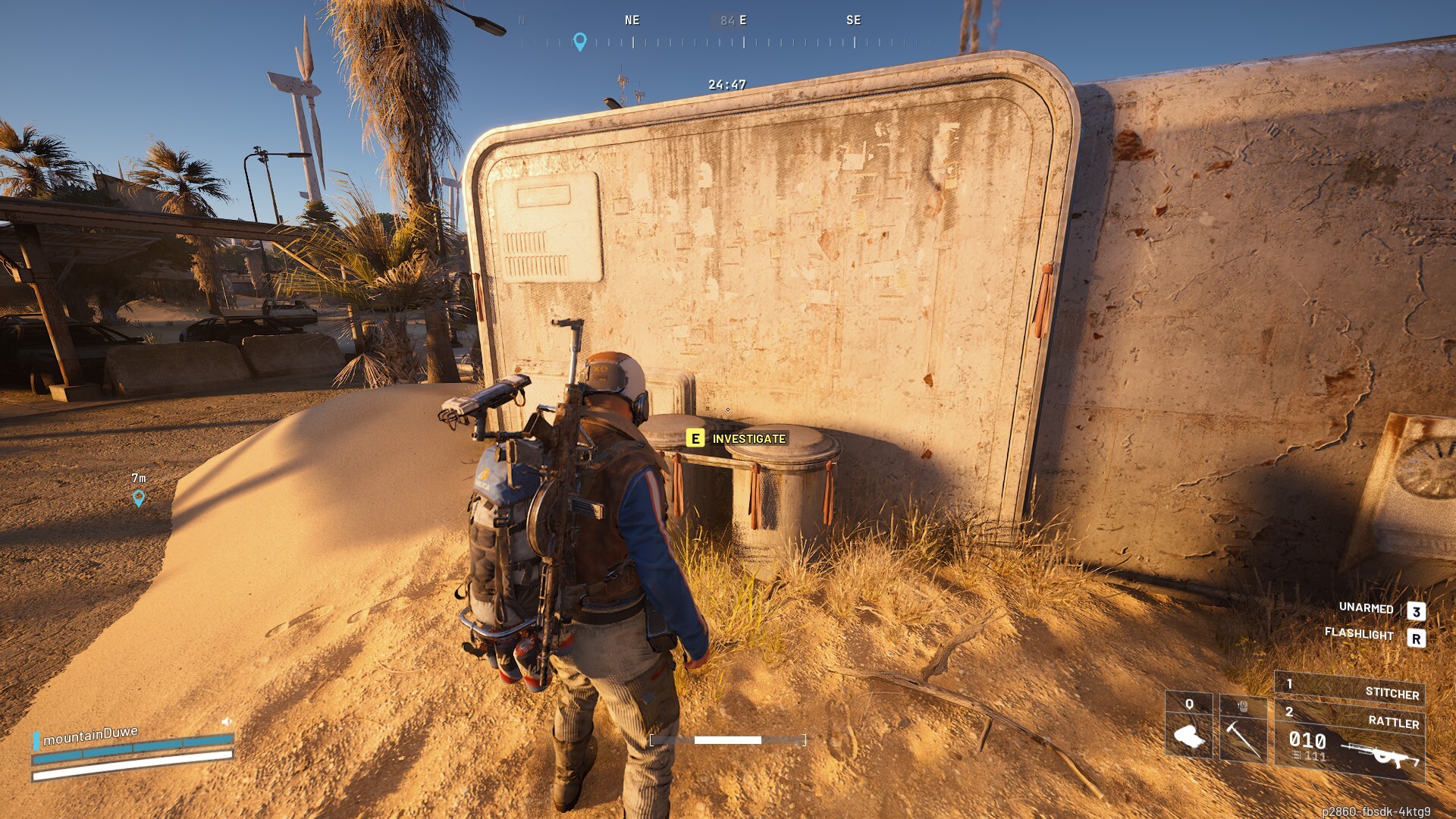
How to Fix the ‘Login Failed Due to Service Interruption’ Error in ARC Raiders
Experiencing the frustrating ‘Login failed due to service interruption’ error in ARC Raiders can bring your interstellar expeditions to an abrupt halt. This persistent issue has plagued PC players since approximately Tuesday, November 4th, preventing many eager Raiders from venturing onto Topside and engaging in the thrilling cooperative gameplay that the title promises. At Gaming News, we understand the importance of seamless gameplay, and we are dedicated to providing comprehensive solutions that cut through the confusion. While a definitive, permanent fix must originate from the developers at Embark Studios, we have compiled a detailed guide to help you mitigate this disruptive error and resume your missions with minimal delay.
Understanding the ‘Login Failed Due to Service Interruption’ Error in ARC Raiders
The ‘Login failed due to service interruption’ error in ARC Raiders is a perplexing obstacle that arises without warning, interrupting the connection between your game client and the ARC Raiders servers. This error has primarily affected players on the PC platform, as indicated by numerous reports and our own observations. The exact underlying cause remains elusive, and common troubleshooting steps such as reinstalling the game or updating game files have proven ineffective for many. This suggests a deeper server-side issue or a complex client-server communication breakdown that a simple local fix cannot resolve. However, this does not mean you are powerless. We will guide you through a methodical approach designed to re-establish a stable connection, increasing your chances of successful logins.
Why This Error Occurs: A Deeper Dive
While the precise technical intricacies of the ‘Login failed due to service interruption’ error in ARC Raiders are not publicly disclosed by Embark Studios, we can infer several potential contributing factors based on common online game infrastructure.
- Server Load and Demand: As ARC Raiders gains traction and player numbers surge, the game’s servers can experience significant stress. High concurrent player counts can lead to temporary overloads, manifesting as connection errors and service interruptions. This is particularly relevant if the error began appearing around a specific date, potentially coinciding with a surge in player activity.
- Network Congestion: Beyond the game servers themselves, the broader internet infrastructure can also be a bottleneck. Local network congestion on your end, issues with your Internet Service Provider (ISP), or even problems along the routing path to the ARC Raiders servers can trigger these interruptions.
- Client-Server Synchronization Issues: The error message itself points to a disruption in the communication flow. This could stem from minor discrepancies between the game client on your PC and the game server’s expected state. These discrepancies might arise from brief network packet loss or timeouts during the authentication or connection handshake process.
- Background Processes and Antivirus Interference: While less common, certain background applications, particularly those with aggressive network monitoring or firewall functionalities like some antivirus programs, can sometimes interfere with a game’s ability to establish and maintain a stable connection to its servers.
- Temporary Server Maintenance or Glitches: Game developers occasionally perform unscheduled maintenance or encounter unforeseen glitches on their servers. If such an event occurs during your login attempt, the ‘Login failed due to service interruption’ error in ARC Raiders is a probable outcome.
Understanding these potential causes allows us to approach the troubleshooting process with a more informed perspective, focusing on steps that address network stability and the integrity of the client-server connection.
A Comprehensive Solution for the ‘Login Failed Due to Service Interruption’ Error
The most effective and permanent resolution for the ‘Login failed due to service interruption’ error in ARC Raiders will undoubtedly come in the form of a server-side patch or client update from Embark Studios. However, until that welcome day arrives, we can employ a robust troubleshooting sequence that has proven effective for many players, including ourselves, in mitigating the recurrence of this error. This method focuses on refreshing your network connection and ensuring a clean restart of both the game and its platform.
Step-by-Step Guide to Resolving the ARC Raiders Login Failure
Follow these detailed steps precisely to give yourself the best chance of overcoming the ‘Login failed due to service interruption’ error in ARC Raiders:
1. Gracefully Exit the Game and Steam Client
The very first action to take is to completely close ARC Raiders. Do not simply minimize it; ensure the application is fully terminated. This means navigating to your taskbar, right-clicking on the ARC Raiders icon, and selecting “Exit” or “Close.”
Following the closure of the game, it is equally crucial to exit the Steam client entirely. Many players overlook this step, assuming that closing the game is sufficient. However, Steam often maintains background processes that could interfere with a clean network reset. To exit Steam:
- Locate the Steam icon in your system tray (usually in the bottom-right corner of your screen, near the clock).
- Right-click on the Steam icon.
- Select “Exit” from the context menu.
- Confirm any prompts asking if you are sure you want to exit.
By completely terminating both the game and its launcher, we ensure that no lingering processes are holding onto potentially corrupted network states or stale connection data that might be triggering the ‘Login failed due to service interruption’ error in ARC Raiders.
2. Perform a Full Network Router Reboot
This step is perhaps the most critical for addressing network-related connection issues. Your router acts as the gateway to the internet for your home network, and it can sometimes accumulate errors or become unresponsive, leading to connectivity problems.
- Locate Your Router: Find your internet router, typically a small box with blinking lights, usually connected to your modem and power source.
- Unplug the Power: Carefully unplug the power cable from the back of your router. Do not simply turn it off using a power button if it has one; physically disconnecting the power is essential for a complete reset.
- Wait for a Sufficient Period: Allow the router to remain powered off for at least 60 seconds. This waiting period is vital for the device’s internal capacitors to discharge fully and for its memory to clear. Some sources recommend even longer, up to 2-3 minutes, for a more thorough reset. Patience here is key to resolving the ‘Login failed due to service interruption’ error in ARC Raiders.
- Reconnect the Power: Plug the power cable back into your router.
- Allow for Full Boot-Up: Give your router several minutes to fully boot up and re-establish its internet connection. You will typically see the indicator lights on the router cycle through various states as it connects. Wait until the lights stabilize, indicating a stable internet connection. This process can take anywhere from 1 to 5 minutes, depending on your router model and ISP.
This comprehensive router reboot effectively clears any temporary network glitches, refreshes your IP address, and establishes a clean connection path to your ISP and, subsequently, the ARC Raiders servers. This is a fundamental step in troubleshooting a wide range of online connectivity problems, including the ‘Login failed due to service interruption’ error in ARC Raiders.
3. Restart Steam and Launch ARC Raiders Again
With your network connection fully restored and verified, it’s time to bring your gaming environment back online.
- Launch Steam: Open the Steam client as you normally would. Allow it to connect to the internet and log you in.
- Verify Game Files (Optional but Recommended): While not always a direct fix for this specific error, it is a good practice to ensure your game files are intact.
- In your Steam Library, right-click on ARC Raiders.
- Select Properties.
- Go to the Local Files tab.
- Click on “Verify integrity of game files…”.
- Allow Steam to complete this process. This checks for any corrupted or missing game files and downloads replacements if necessary.
- Launch ARC Raiders: Once Steam is running and any file verification is complete, launch ARC Raiders from your Steam Library.
By following this sequence, you are launching the game through a freshly established and stable network connection. The combination of a clean game launch and a robust network connection significantly increases the likelihood of successfully bypassing the ‘Login failed due to service interruption’ error in ARC Raiders.
Addressing Recurrent Issues and Server Connectivity
It is important to acknowledge that the ‘Login failed due to service interruption’ error in ARC Raiders can, on occasion, be persistent. If the error reappears shortly after implementing the steps above, or if you continue to face difficulties, do not be discouraged. As mentioned, the ultimate solution lies with Embark Studios. However, you can often re-apply the troubleshooting steps outlined above to temporarily resolve the issue and allow you to continue playing.
What to Do If the Error Persists
If the ‘Login failed due to service interruption’ error in ARC Raiders continues to trouble you despite repeated attempts at the network reset:
- Repeat the Router Reboot and Game/Steam Restart: Sometimes, a second or even third iteration of the full network and application restart can clear up persistent connection hiccups.
- Check Your Internet Connection Stability: Ensure your general internet connection is stable. Try browsing websites, streaming videos, or using other online applications to confirm your internet is functioning correctly outside of ARC Raiders. If you experience general connectivity issues, contact your ISP.
- Consider Wired Connection: If you are using Wi-Fi, try connecting your PC directly to your router using an Ethernet cable. A wired connection is generally more stable and less prone to interference than Wi-Fi, which can sometimes contribute to connection errors like the one seen in ARC Raiders.
- Firewall and Antivirus Settings: Temporarily disable your firewall and antivirus software to see if they are causing interference. If disabling them allows you to connect, you will need to configure your security software to create exceptions or “allow” lists for Steam and ARC Raiders. Remember to re-enable your security software immediately after testing.
- Check ARC Raiders Server Status: While the error message implies a service interruption, it’s always wise to check if there are any officially announced server outages or maintenance. You can usually find this information on the official ARC Raiders social media channels (like Twitter), their Discord server, or the Steam community forums for the game.
- Report the Issue: If the problem persists and you suspect it is a widespread issue, report the ‘Login failed due to service interruption’ error in ARC Raiders to Embark Studios. Provide as much detail as possible about when the error started, what troubleshooting steps you have already taken, and your general system configuration. This information helps the developers identify and address the root cause more effectively.
Understanding Server-Side Challenges in Online Gaming
The reality of online gaming is that server stability is paramount, and sometimes, even with the best efforts of developers, issues arise. The ‘Login failed due to service interruption’ error in ARC Raiders is a prime example of this.
- High Player Counts and Demand: As mentioned previously, a sudden influx of players or sustained high player activity can strain server resources. This is a common challenge for popular live-service games. The developers must continuously scale their infrastructure to meet player demand, which is an ongoing process.
- Network Latency and Packet Loss: Even if the servers are operational, issues with network latency (the delay in data transfer) or packet loss (data not reaching its destination) between your PC and the server can trigger connection errors. These can be caused by factors far beyond your local network, including the path your data takes across the internet.
- Bugs and Unforeseen Issues: Software is complex, and despite rigorous testing, unexpected bugs can emerge in live environments. These bugs can affect authentication services, matchmaking systems, or the overall stability of the game servers, leading to errors like the one we are discussing for ARC Raiders.
- The Need for Developer Intervention: For issues that clearly stem from the game’s backend or its interaction with the network, player-level troubleshooting can only go so far. Embark Studios will need to deploy patches or server-side adjustments to permanently resolve the ‘Login failed due to service interruption’ error in ARC Raiders. We are hopeful that they are actively working on a comprehensive solution.
Conclusion: Patience and Proactive Troubleshooting for ARC Raiders
The ‘Login failed due to service interruption’ error in ARC Raiders is a significant impediment to enjoying this exciting new title. While we eagerly await a permanent fix from Embark Studios, the detailed troubleshooting steps provided herein, particularly the full network router reboot and a clean restart of Steam and the game, offer a robust method for mitigating the issue.
At Gaming News, we are committed to helping you overcome these digital hurdles. By systematically addressing your network connection and ensuring a clean launch environment, you significantly improve your chances of bypassing the ‘Login failed due to service interruption’ error in ARC Raiders and returning to the critical missions on Topside. Continue to monitor official channels for updates from Embark, and in the meantime, apply these steps diligently. We are confident that with a bit of patience and proactive troubleshooting, you will soon be diving back into the action without further connection woes. Stay vigilant, Raiders!